plumber service appointment booking UK
Plumber service appointment booking: A Practical Booking and Reminder Guide
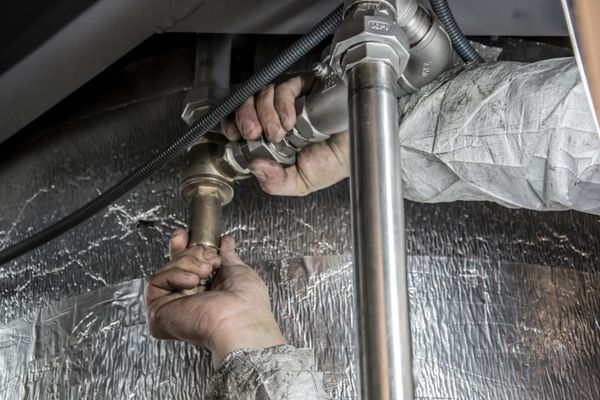
This guide is for businesses planning plumber service appointment booking. Use it as a practical scheduling checklist: explain what can be booked, keep available times accurate and make the next step clear for the customer. The image illustrates the profession; it is not a photograph of a WAppoint customer.
Putting this guide into practice? Explore our plumber service appointment booking and see the WAppoint features for managing your bookings.
Describe the scope of each visit
Distinguish an inspection, quotation visit and scheduled repair. Explain that a booking secures a visit or assessment rather than guaranteeing a repair price before the problem is inspected.
Leave space for travel
A mobile service timetable needs more than the time spent at a property. Use availability and buffer settings thoughtfully, and block periods that are needed for travel or other commitments.
Confirm access arrangements
Use an email confirmation for longer arrival or access instructions. Keep the SMS to the date, time and contact route, and avoid including private access codes in a general reminder.
Write a clear reminder
Example: Clear Plumbing: Your service visit is booked for [date] at [time]. For changes, use [manage link] or contact us.
This is a sample message. Replace the bracketed fields before using it and check the final date, time and contact details. Keep a booking reminder focused on the appointment rather than combining it with unrelated promotional wording.
Test the whole booking journey
Open your booking page on a phone and make a test booking. Check that the service duration, time zone and available slot are correct. Follow the confirmation and any booking-management link, then cancel the test and check the diary again.
For WAppoint, SMS delivery depends on a configured provider, available credits and the business’s notification settings. A scheduled or logged message alone does not confirm delivery. Check the message history and verify the test message on the recipient’s phone before relying on reminders.
- Check services and working hours
- Test a booking, change and cancellation
- Review email details and SMS status
- Share the booking link only after checking the journey
Related WAppoint resources
Set up your booking page
Explore the service, availability and reminder tools, then create your WAppoint account.
Start Free Trial